Nansen Profiler 101
Dive deep into 500M+ labeled addresses and explore token relationships, connections between entities, and everything you need to understand everything onchain.
Written By Nansen Team
Last updated 9 months ago
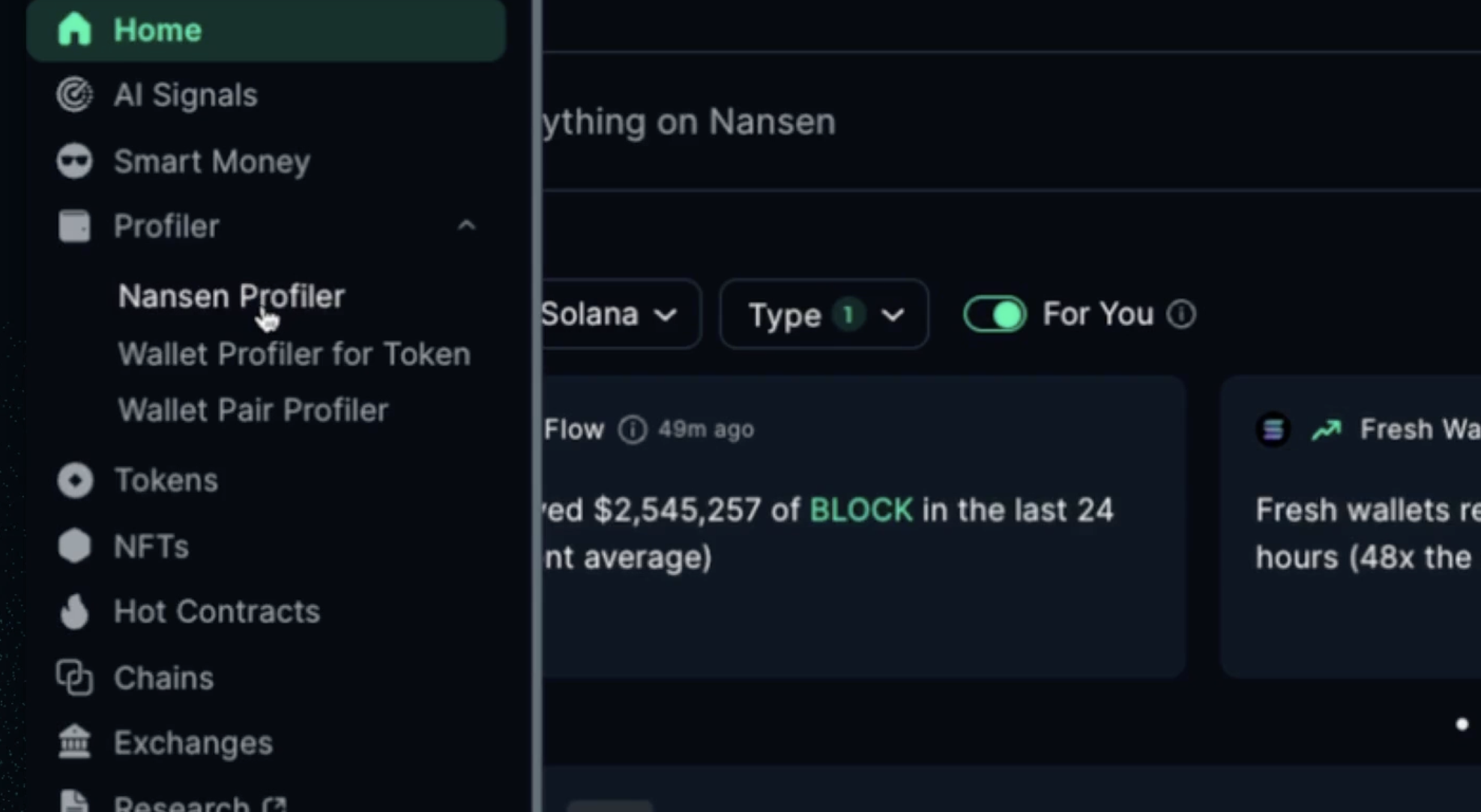
Profiler works differently than other features on Nansen, where instead of a standard go-to page, each option provided allows you to search through the millions of addresses and dig deep.
Nansen Profiler
Analyze a wallet’s activity, holdings, and transaction history. Whether it’s a whale, fund, or influencer, the Profiler helps you understand their behavior.
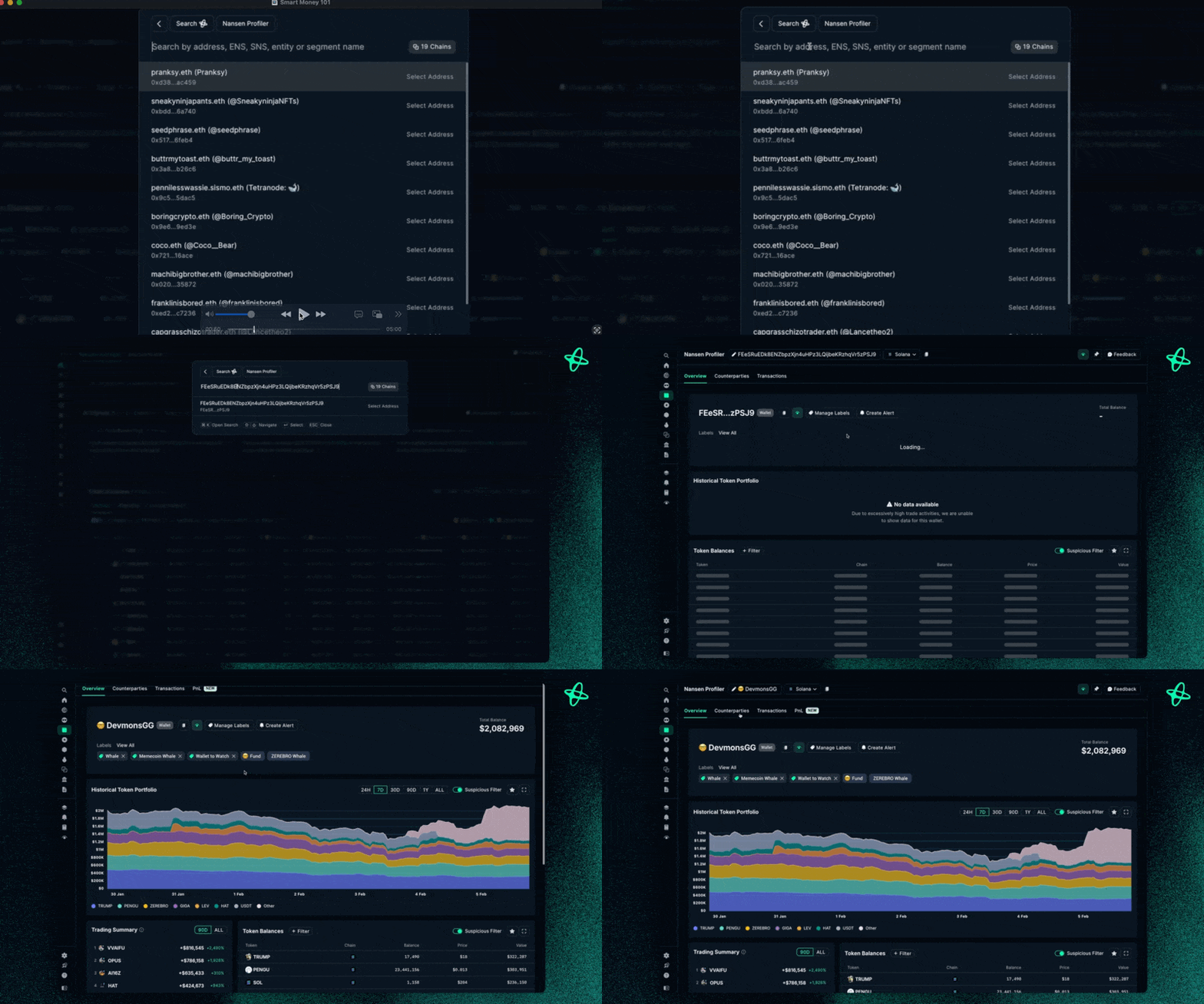
Click Nansen Profiler
Search for a given address or paste in a copied-over address and paste directly
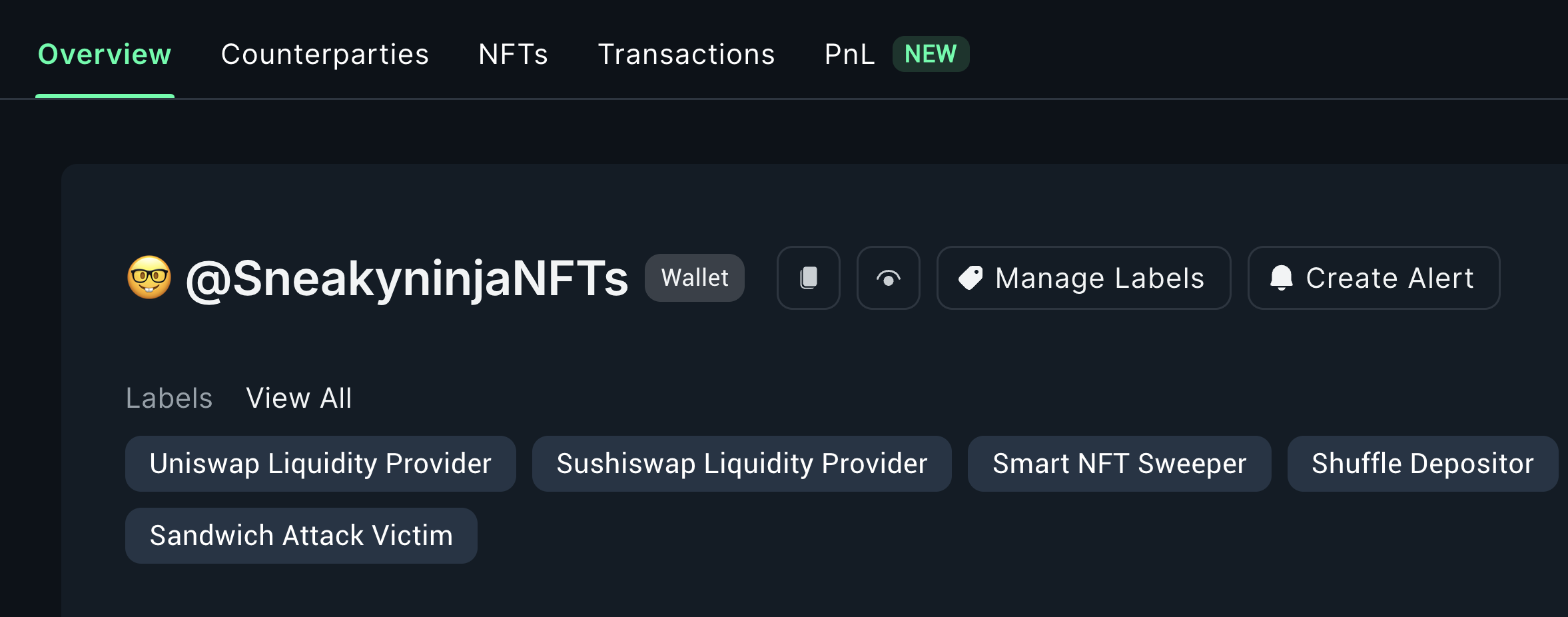
Start Profiling into that address in more detail, getting a view of:
Overview of the address
Counterparties
Transactions the address made
Profits and losses of the address
Wallet Profiler for Token
This helps you dive into a given wallet and its holdings and relationship for a given token.
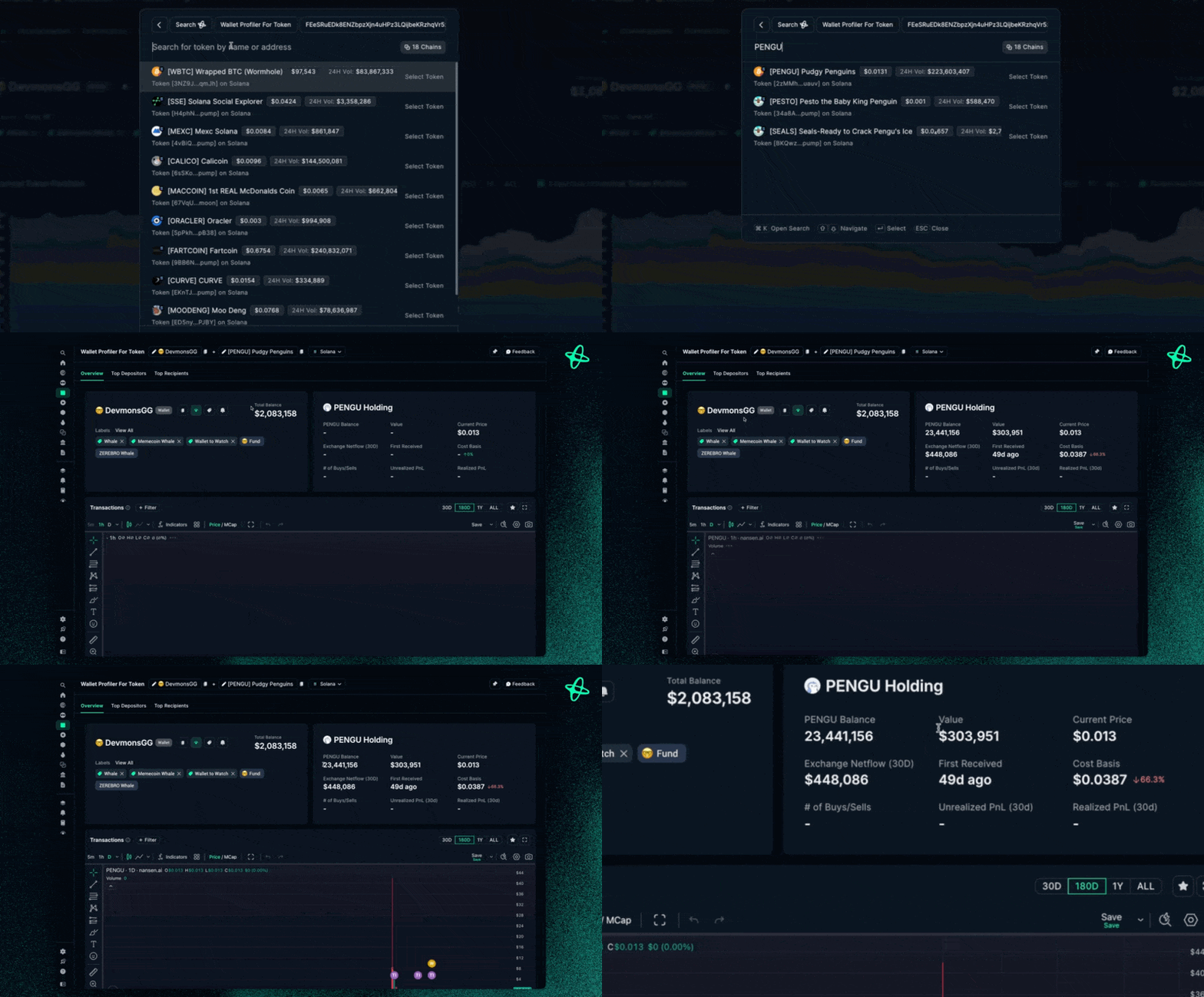
Select your target token
Analyze wallet interactions:
Token balance history
Entry/exit points
Trading patterns
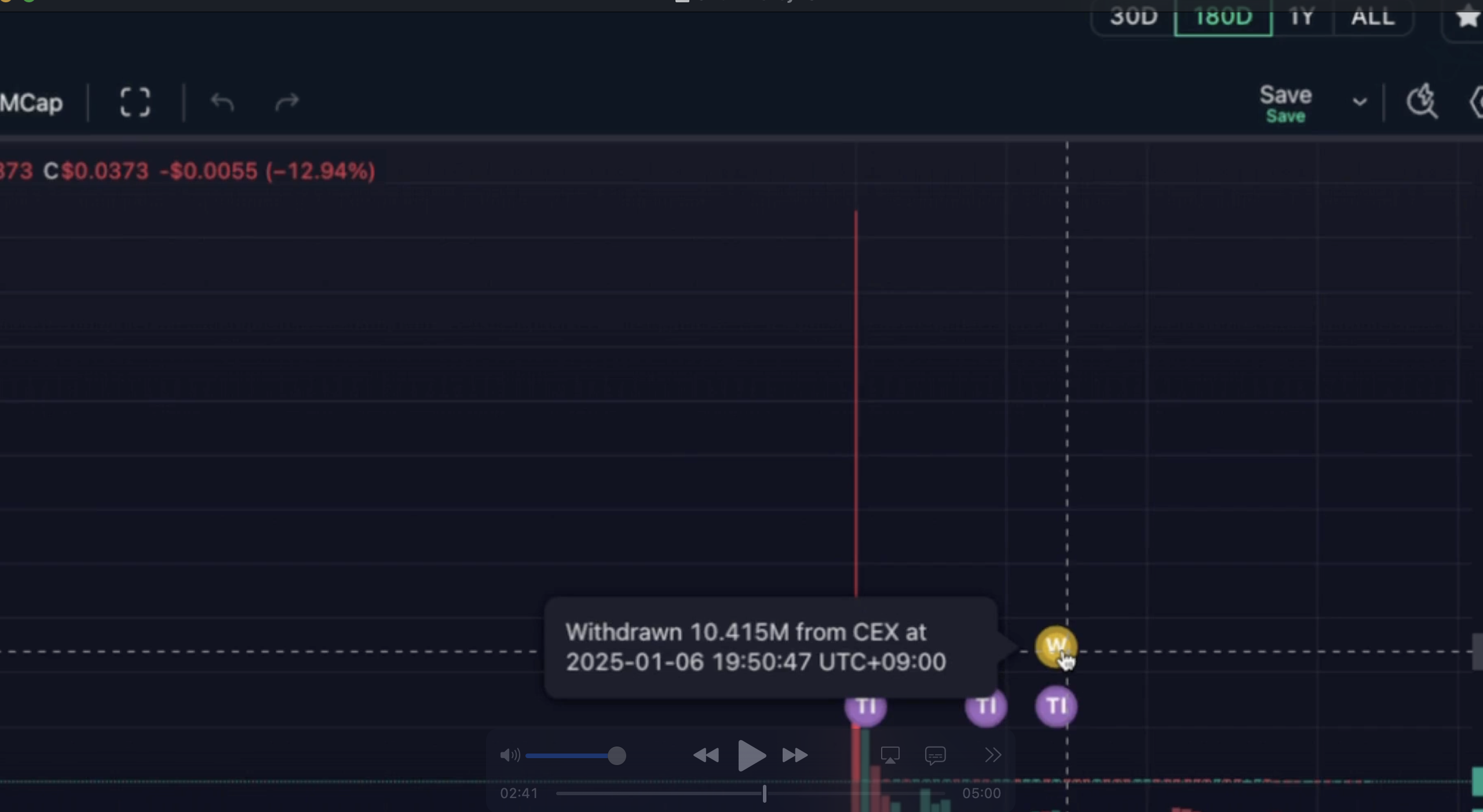
Track specific metrics:
Transfer history
Buy/sell activities
Position changes
Wallet Pair Profiler
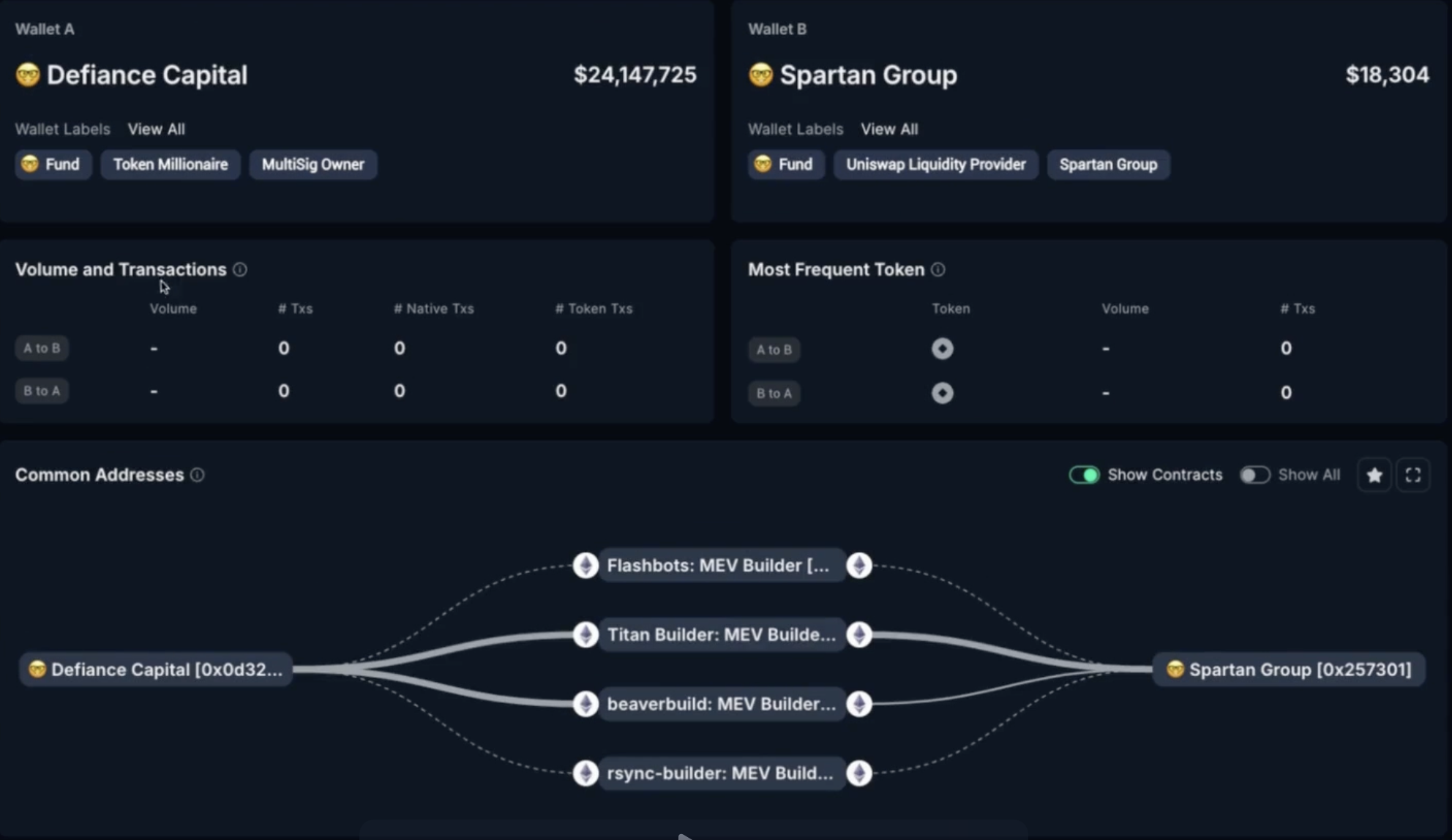
Uncover the relationships between wallets by analyzing direct and indirect transactions.Enter two wallet addresses
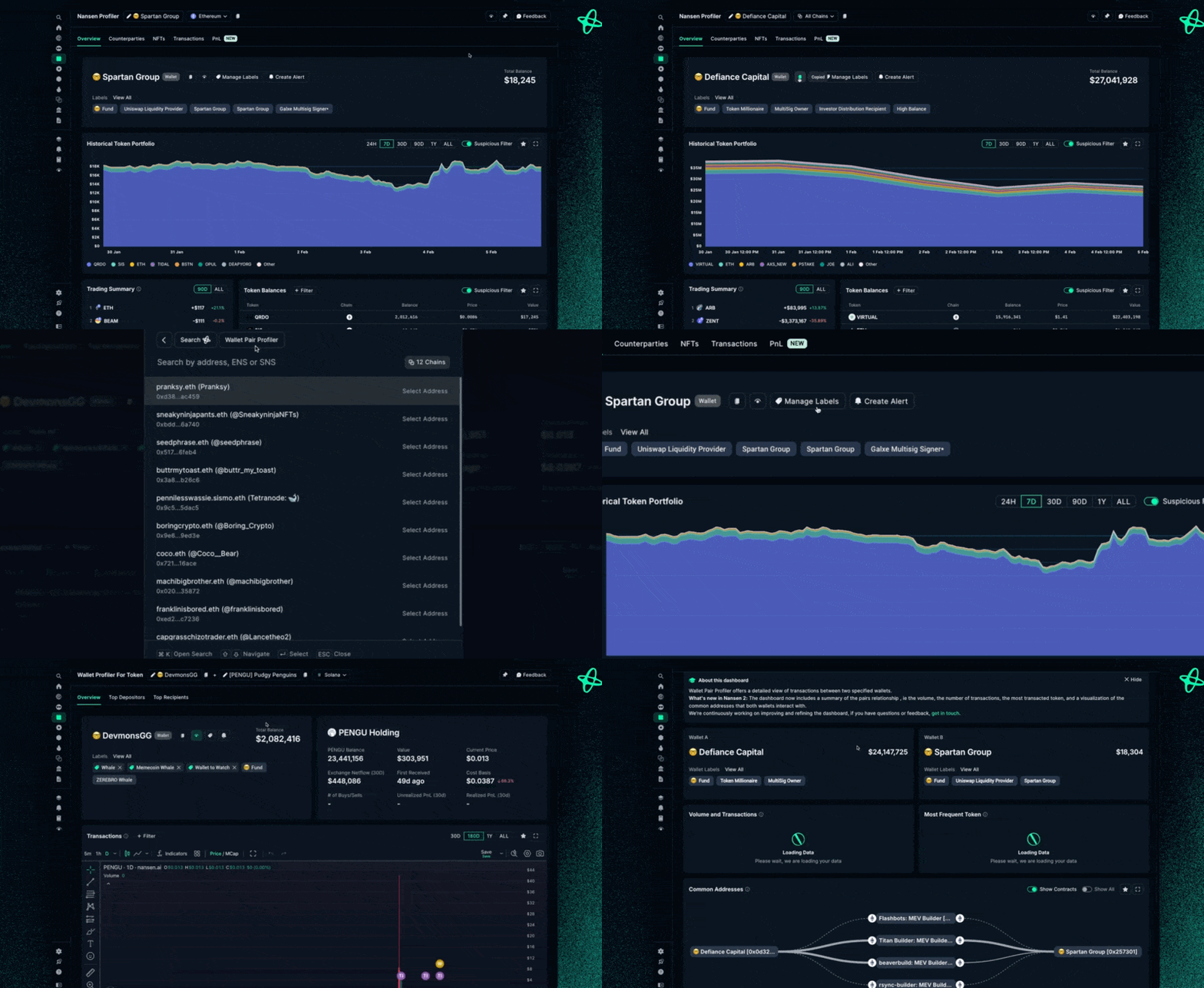
Explore connections:
Direct transactions
Shared counterparties
Network relationships
Analyze shared activity:
Transaction volume
Common tokens
Interaction frequency
👉 Also check out: Deep Research 101